



Have You Tried Turning It Off and On Again? Troubleshooting Your Business’s “Glitchy” Brand
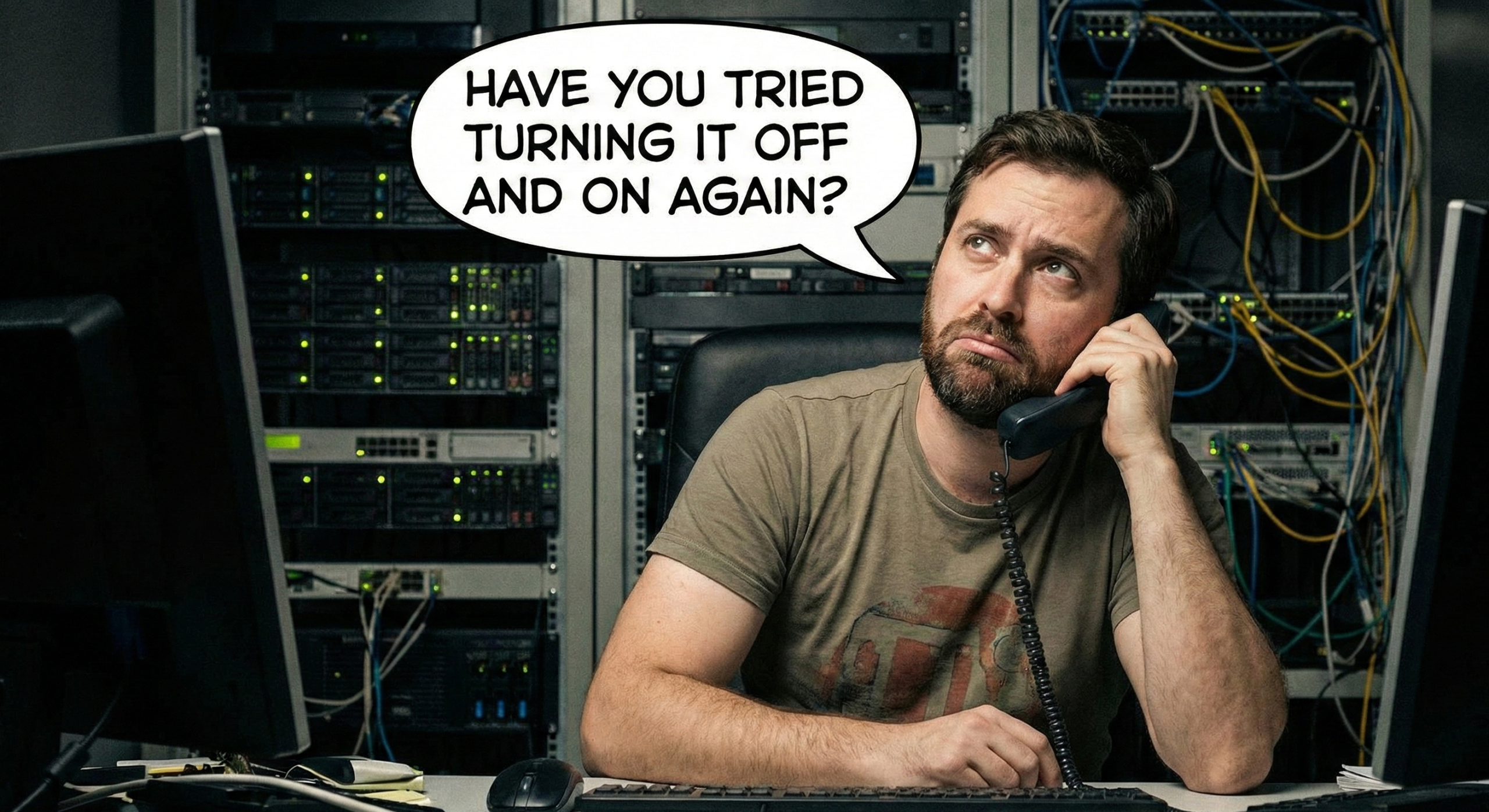
We’ve all been there. Your screen freezes. The mouse cursor disappears. You start frantically clicking things, hoping for a miracle. Then, you call IT, and they hit you with the most condescending (yet accurate) question in the English language:
“Have you tried turning it off and on again?”
It fixes 90% of computer problems. But what happens when it’s your business that’s crashing? What do you do when your sales are buffering, your leads are returning “404 Not Found,” and your brand identity feels like it’s running on Windows 95?
You can’t exactly unplug your company (and please don’t try to unplug your employees, HR frowns on that).
However, you can run a diagnostic. At Global Nerds, we spend a lot of time fixing “glitchy” businesses. Here is our troubleshooting guide to rebooting your brand strategy before you get the Blue Screen of Death.
Error 1: The “404 Customer Not Found”
The Symptom: You have a website, but nobody is visiting it. Or worse, they visit and leave immediately.
The Tech Equivalent: Trying to run a modern video game on a dial-up modem.
** The Diagnostic:**
When was the last time you updated your site? If your website still has a copyright date of 2018 in the footer, you are digitally telling customers, “We might be closed.”
If your site takes more than 3 seconds to load, your potential client has already clicked back to Google and hired your competitor.
** The Fix:**
Your website needs a Hardware Upgrade. It needs to be mobile-responsive (because everyone is on their phone), fast, and SEO-optimized. It’s not just about looking pretty; it’s about code that actually works.
Error 2: “Corrupted Files” (a.k.a. Bad Branding)
The Symptom: Your business card uses one font, your website uses another, and your Facebook banner is a pixelated image you found on Google Images.
The Tech Equivalent: Spaghetti code. It’s a mess, and it’s going to break eventually.
** The Diagnostic:**
Inconsistency breeds distrust. If your brand looks like a DIY project from three different people who never spoke to each other, customers perceive your service as messy, too.
** The Fix:**
You need a System Restore. You need a cohesive “Style Guide”—defined fonts, colors, and a logo that scales. You want your brand to look like a sleek, Apple-level product, not a shady pop-up ad.
Error 3: “Background Processes Are Slowing You Down”
The Symptom: You are trying to be on TikTok, LinkedIn, Instagram, X, and Threads, but you haven’t posted valuable content on any of them in months.
The Tech Equivalent: Having 400 tabs open in Chrome. Your RAM is crying.
** The Diagnostic:**
You are suffering from strategy bloat. You are trying to do everything, so you are achieving nothing. An inactive social media page looks worse than no page at all—it looks like a ghost town.
** The Fix:**
Close some tabs. Pick the one or two channels where your actual customers hang out and dominate those. Focus your processing power where it counts.
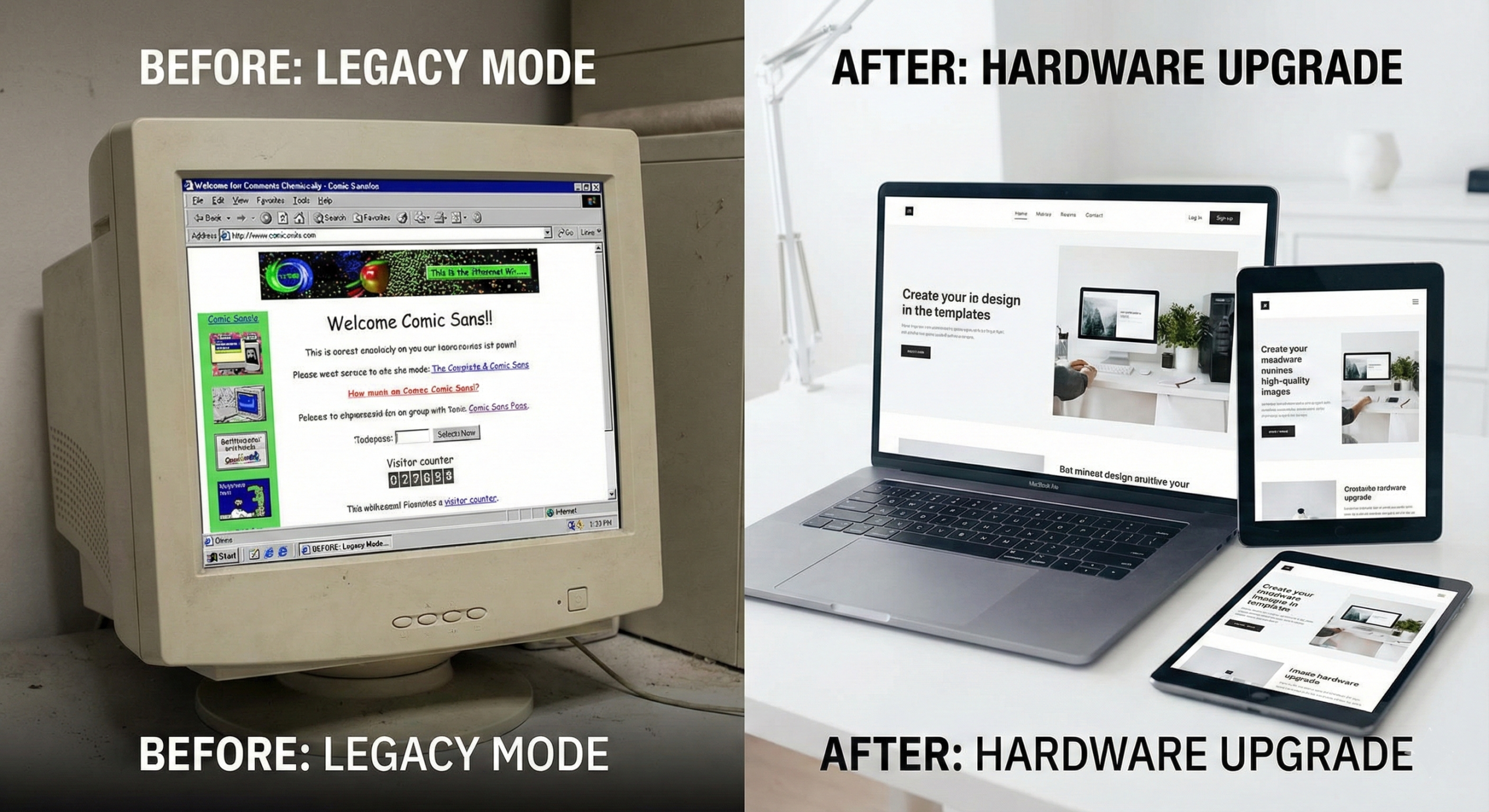
Error 4: The “Legacy Mode” Trap
The Symptom: “Well, this is how we’ve always done it.”
The Tech Equivalent: Refusing to update your software because you hate change, even though the new version has critical security patches.
** The Diagnostic:**
The market changes fast. AI is here. Design trends have shifted from “cluttered” to “clean.” If you are clinging to marketing strategies from five years ago, you are essentially trying to fax your customers in a Zoom world.
** The Fix:**
Update Drivers. Look at your competitors. What are they doing that you aren’t? It might be time to hire a nerd to install the latest marketing strategies.
Still Frozen? Call Tech Support.
If you’ve gone through this checklist and your business still feels like it’s overheating, you might need an external expert to open up the case and look at the motherboard.
That’s us. We’re Global Nerds. We don’t just fix computers; we fix brands. We speak code, design, and strategy so you don’t have to.
(We promise we won’t ask if the printer is plugged in.)

